Makeover:
Intro:
In this tutorial I'm going to teach you how to use the tools in Photoshop cs5 to create a perfect makeover.
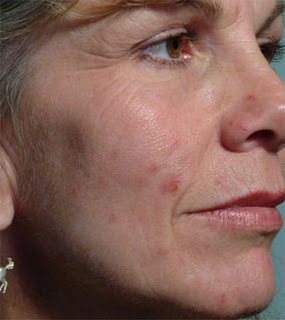
lets start by getting the picture up:
Intro:
In this tutorial I'm going to teach you how to use the tools in Photoshop cs5 to create a perfect makeover.
lets start by getting the picture up:
first lets take a look at the tools we are going to use (to get to that menu of those tools click + hold the spot healing brush tool.
 We are also going to use some filtering, but this I'll talk about later.
Ok so lets get started.

Ok so lets get started.
